Your menu, with photos that sell
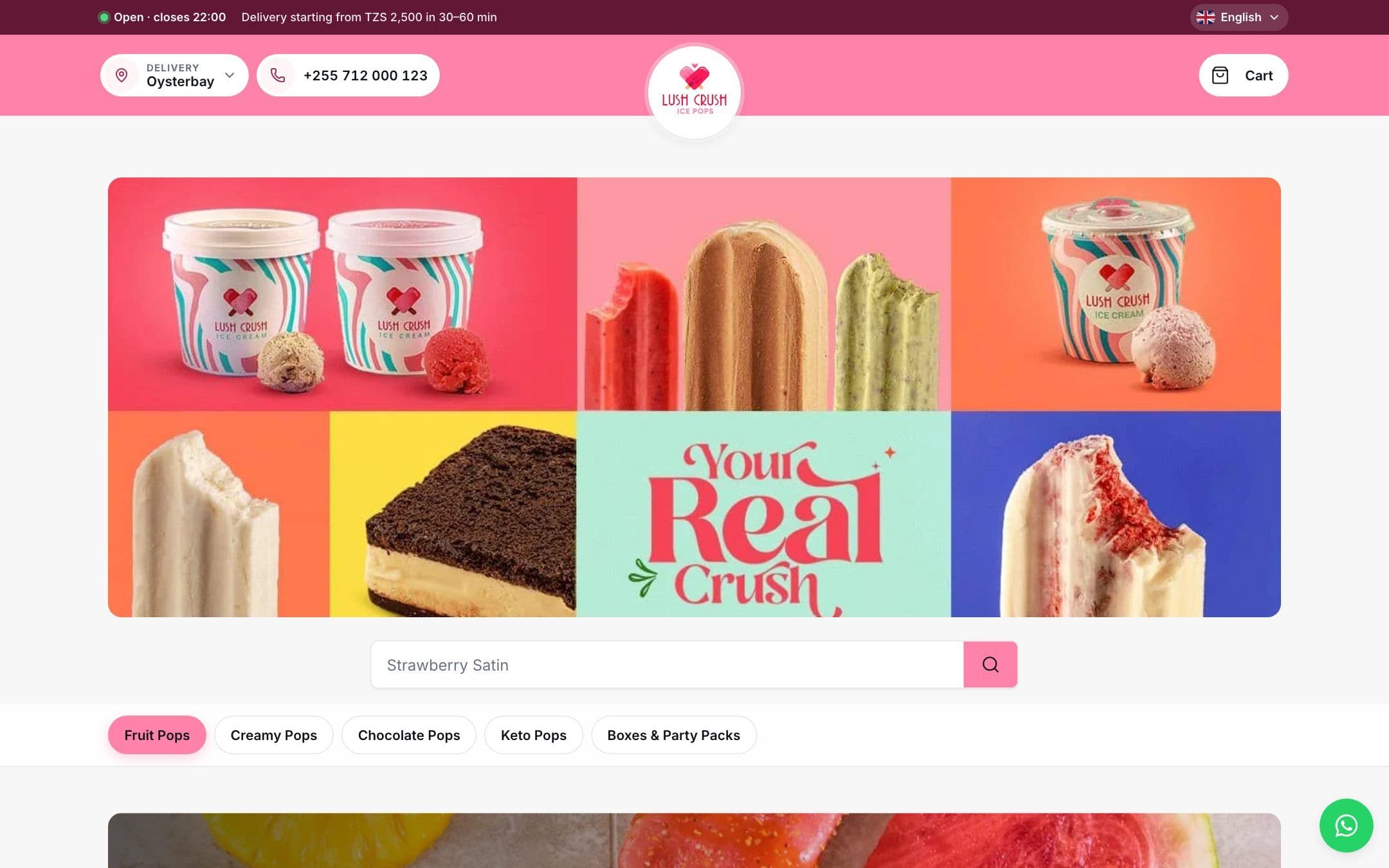
Customers see your dishes the way you want them seen, with clear prices.
For restaurants and cafés
One menu for dine-in, takeaway and delivery. Orders go to the kitchen in the order they were approved.
Customers see your dishes the way you want them seen, with clear prices.
A tablet on each table with your full menu, photos and prices.
Nothing reaches the kitchen until a waiter has approved it.
Sizes, sides and extras with their own prices, and a note for the kitchen.
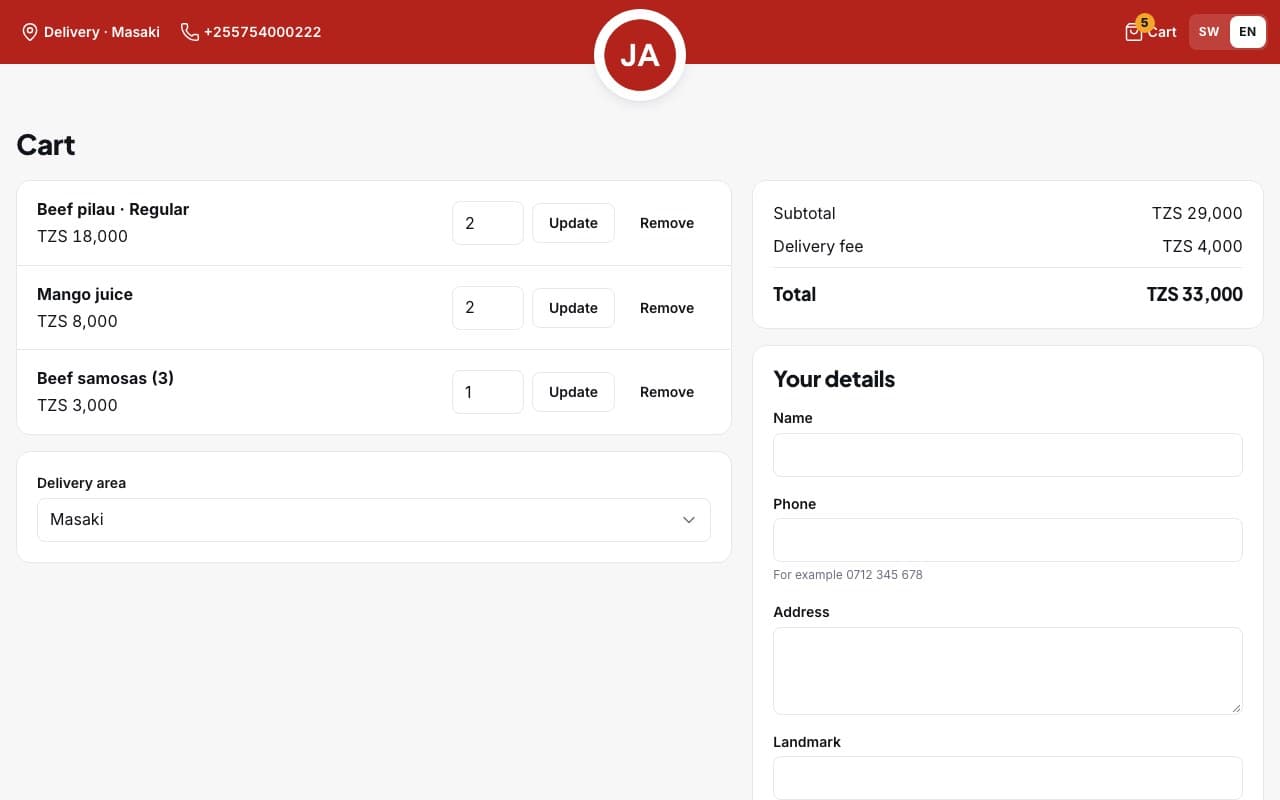
Fees, minimum orders and delivery times for each area you serve.
Customers see when you are open before they order.
When an item sells out, it sells out everywhere.
The cart shows the delivery fee for the customer's area and how much more they need to add for the minimum order.
We set up your store, import your products and train your staff. Prices depend on what you need.